
*Want to spend crypto on real-life products and services? This is possible with Binance Pay!* In this tutorial, we show how to use Binance Marketplace inside the Binance App to buy REAL products and services such as gift cards, mobile top‑ups, gaming items, travel and more. How? With Binance Pay (zero gas fees) in over 100 supported cryptocurrencies! You’ll see exactly how to access Marketplace, search for mini programs and SKUs, find Hot Deals (up to 50% off on selected offers), choose which crypto to spend with Payment Priority, and handle refunds or merchant support if needed. *⚠️ Eligibility varies by region and account status. You must be verified to access these features. Always follow the product terms and risk warnings shown in‑app. ⚠️* ➡️ How to Complete KYC & Verify Your Binance Account: https://www.youtube.com/watch?v=yvtGCZ8ENEQ *📚 Resources:* ➡️ Introduction to Binance Marketplace: https://www.binance.com/en/support/faq/detail/60418cfe4a6843889a46fac776c6beb7 *In this video, you’ll learn:* ✅ What Binance Marketplace is: a curated, in‑app place to spend crypto with Binance Pay (zero gas fees) ✅ How to access it fast: switch to Pro mode, pull down on the home screen, or search “Marketplace” under Functions ✅ What you can buy: gift cards, mobile top‑ups, gaming items/subscriptions, travel, experiences, entertainment, and more ✅ Hot Deals: how to find up to 50% off offers and read time/region/merchant terms ✅ Search like a pro: find mini programs or products by name or SKU; filter by Apps or SKU ✅ Mini program permissions: why you may be asked to connect to Binance Pay for smooth checkout ✅ Paying with crypto: choose spending coins, reorder Payment Priority, confirm with Binance Pay ✅ Order help and refunds: where to view History, how merchant refunds work, and how to contact support *⏱️ Timestamps:* ⏳ 00:00 – Introduction: spending crypto while online shopping ⏳ 00:43 – What is Binance Marketplace? Merchants, mini programs, 100+ cryptos via Binance Pay ⏳ 01:28 – What can you do on Binance Marketplace? ⏳ 01:55 – Hot Deals: up to 50% off—how to find and check offer terms ⏳ 02:19 – Accessing Binance Marketplace: pull down on Home, or search “Marketplace” under Functions ⏳ 02:59 – Search & browse: by category, Popular → View all, or search by mini app/product/SKU ⏳ 03:26 – Real Product Walkthrough on Binance Marketplace ⏳ 04:07 – Checkout/Transaction process: choose crypto, Payment Priority, confirm with Binance Pay ⏳ 04:36 – Refunds & order help: merchant policies, History tab, support channels ⏳ 05:13 – Closing: discover new merchants and check Hot Deals regularly 💬 Got questions? Drop them in the comments—we’re here to help! #binance #BinancePay #GiftCards #cryptoshopping #BinanceGuide #BinanceTutorial *⚠️ RISK WARNING:* Digital asset prices can be volatile. The value of your investment may go down or up and you may not get back the amount invested. You are solely responsible for your investment decisions and Binance is not liable for any losses you may incur. Please fund your wallet and perform your transactions cautiously. Not financial advice. For more information, see our Terms of Use, Binance Pay Terms of Use and Risk Warning. *📢 Join the conversation:* ➡️ Twitter/X: https://twitter.com/binance ➡️ Instagram: https://www.instagram.com/binance ➡️ Facebook: https://www.facebook.com/binance ➡️ TikTok: https://www.tiktok.com/@binance ➡️ LinkedIn: https://www.din.com/company/binance ➡️ Reddit: https://www.reddit.com/r/binance *🔗 Download Binance here (iOS, Android):* https://binance.onelink.me/y874/cb98de36 *🔗 Sign up for Binance here:* https://www.binance.com/en?ref=ERQKP7ND&utm_source=BinanceYoutube&utm_medium=GlobalSocial&utm_campaign=GlobalSocial
How To Spend Crypto on Gift Cards, Mobile Top-Ups, etc. with Binance Marketplace: Binance Tutorial
 1 day ago
 *Want to spend crypto on real-life products and services? This is possible with Binance Pay!* In this tutorial, we show how to use Binance Marketplace inside the Binance App to buy REAL products and services such as gift cards, mobile top‑ups, gaming items, travel and more. How? With Binance Pay (zero gas fees) in over 100 supported cryptocurrencies! You’ll see exactly how to access Marketplace, search for mini programs and SKUs, find Hot Deals (up to 50% off on selected offers), choose which crypto to spend with Payment Priority, and handle refunds or merchant support if needed. *⚠️ Eligibility varies by region and account status. You must be verified to access these features. Always follow the product terms and risk warnings shown in‑app. ⚠️* ➡️ How to Complete KYC & Verify Your Binance Account: https://www.youtube.com/watch?v=yvtGCZ8ENEQ *📚 Resources:* ➡️ Introduction to Binance Marketplace: https://www.binance.com/en/support/faq/detail/60418cfe4a6843889a46fac776c6beb7 *In this video, you’ll learn:* ✅ What Binance Marketplace is: a curated, in‑app place to spend crypto with Binance Pay (zero gas fees) ✅ How to access it fast: switch to Pro mode, pull down on the home screen, or search “Marketplace” under Functions ✅ What you can buy: gift cards, mobile top‑ups, gaming items/subscriptions, travel, experiences, entertainment, and more ✅ Hot Deals: how to find up to 50% off offers and read time/region/merchant terms ✅ Search like a pro: find mini programs or products by name or SKU; filter by Apps or SKU ✅ Mini program permissions: why you may be asked to connect to Binance Pay for smooth checkout ✅ Paying with crypto: choose spending coins, reorder Payment Priority, confirm with Binance Pay ✅ Order help and refunds: where to view History, how merchant refunds work, and how to contact support *⏱️ Timestamps:* ⏳ 00:00 – Introduction: spending crypto while online shopping ⏳ 00:43 – What is Binance Marketplace? Merchants, mini programs, 100+ cryptos via Binance Pay ⏳ 01:28 – What can you do on Binance Marketplace? ⏳ 01:55 – Hot Deals: up to 50% off—how to find and check offer terms ⏳ 02:19 – Accessing Binance Marketplace: pull down on Home, or search “Marketplace” under Functions ⏳ 02:59 – Search & browse: by category, Popular → View all, or search by mini app/product/SKU ⏳ 03:26 – Real Product Walkthrough on Binance Marketplace ⏳ 04:07 – Checkout/Transaction process: choose crypto, Payment Priority, confirm with Binance Pay ⏳ 04:36 – Refunds & order help: merchant policies, History tab, support channels ⏳ 05:13 – Closing: discover new merchants and check Hot Deals regularly 💬 Got questions? Drop them in the comments—we’re here to help! #binance #BinancePay #GiftCards #cryptoshopping #BinanceGuide #BinanceTutorial *⚠️ RISK WARNING:* Digital asset prices can be volatile. The value of your investment may go down or up and you may not get back the amount invested. You are solely responsible for your investment decisions and Binance is not liable for any losses you may incur. Please fund your wallet and perform your transactions cautiously. Not financial advice. For more information, see our Terms of Use, Binance Pay Terms of Use and Risk Warning. *📢 Join the conversation:* ➡️ Twitter/X: https://twitter.com/binance ➡️ Instagram: https://www.instagram.com/binance ➡️ Facebook: https://www.facebook.com/binance ➡️ TikTok: https://www.tiktok.com/@binance ➡️ LinkedIn: https://www.din.com/company/binance ➡️ Reddit: https://www.reddit.com/r/binance *🔗 Download Binance here (iOS, Android):* https://binance.onelink.me/y874/cb98de36 *🔗 Sign up for Binance here:* https://www.binance.com/en?ref=ERQKP7ND&utm_source=BinanceYoutube&utm_medium=GlobalSocial&utm_campaign=GlobalSocial
Related



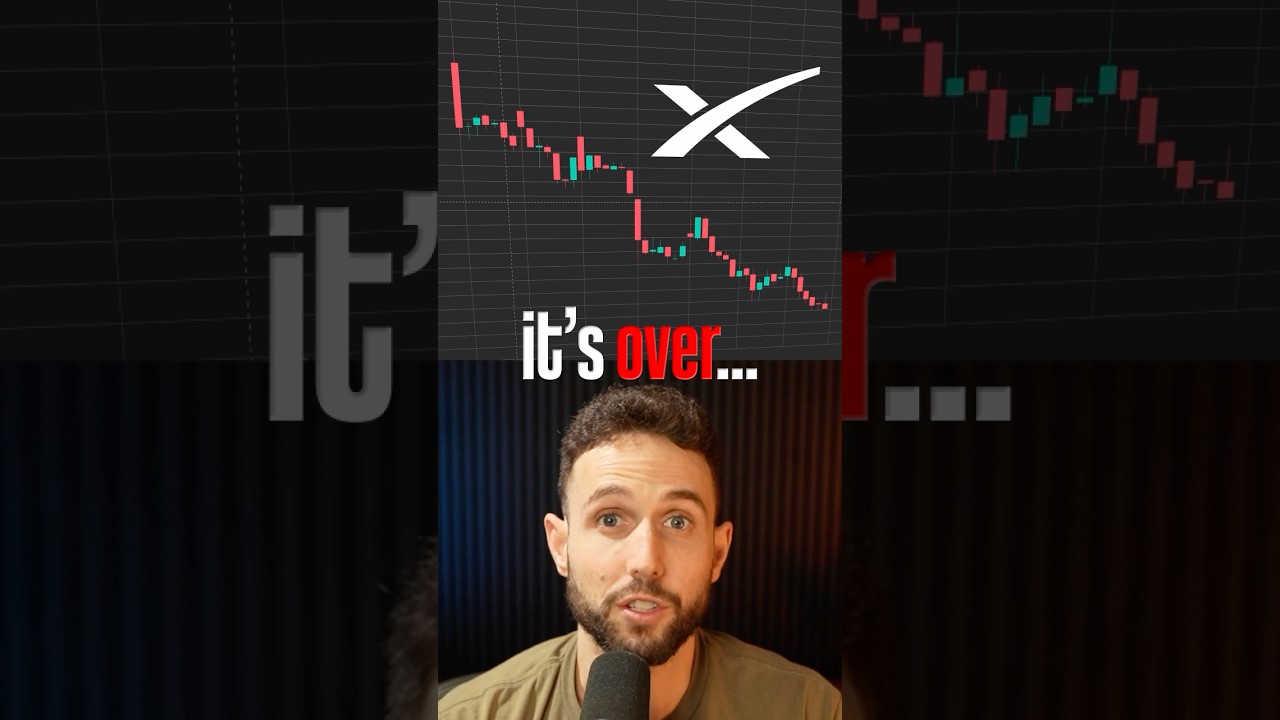
SpaceX Stock is FAILING 😳
4 hours ago